In the evolving world of iOS, managing your apps should be as easy as it is on Android. While Apple’s ecosystem is known for its “walled garden,” tools like Feather have emerged to give users back their control. If you are a fan of Filza File Manager, Feather is the perfect companion to ensure your apps are always signed and ready to use.
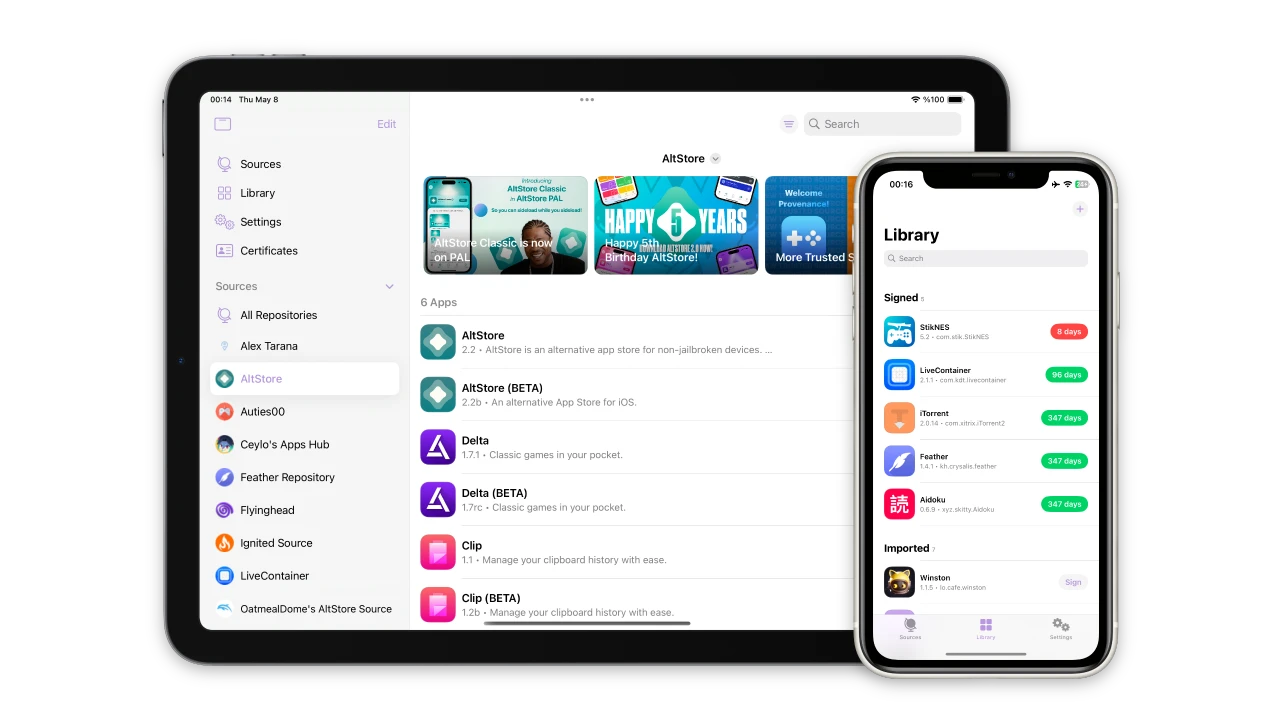
Feather is a free, open-source on-device IPA signer and manager. It allows you to sign apps using your own developer certificates directly on your iPhone or iPad, eliminating the constant need for a computer. Once you download Feather, you will realize it is the missing piece in your iOS customization toolkit.
Why Choose Feather for Your iOS Device?
Just like Filza changed the way we look at file management, Feather is changing how we handle app installations. Here are the standout features you can expect:
- No Computer Needed: Sign and install IPA files (like Filza) directly on your device.
- Open Source: Transparent and community-driven, ensuring better security and privacy.
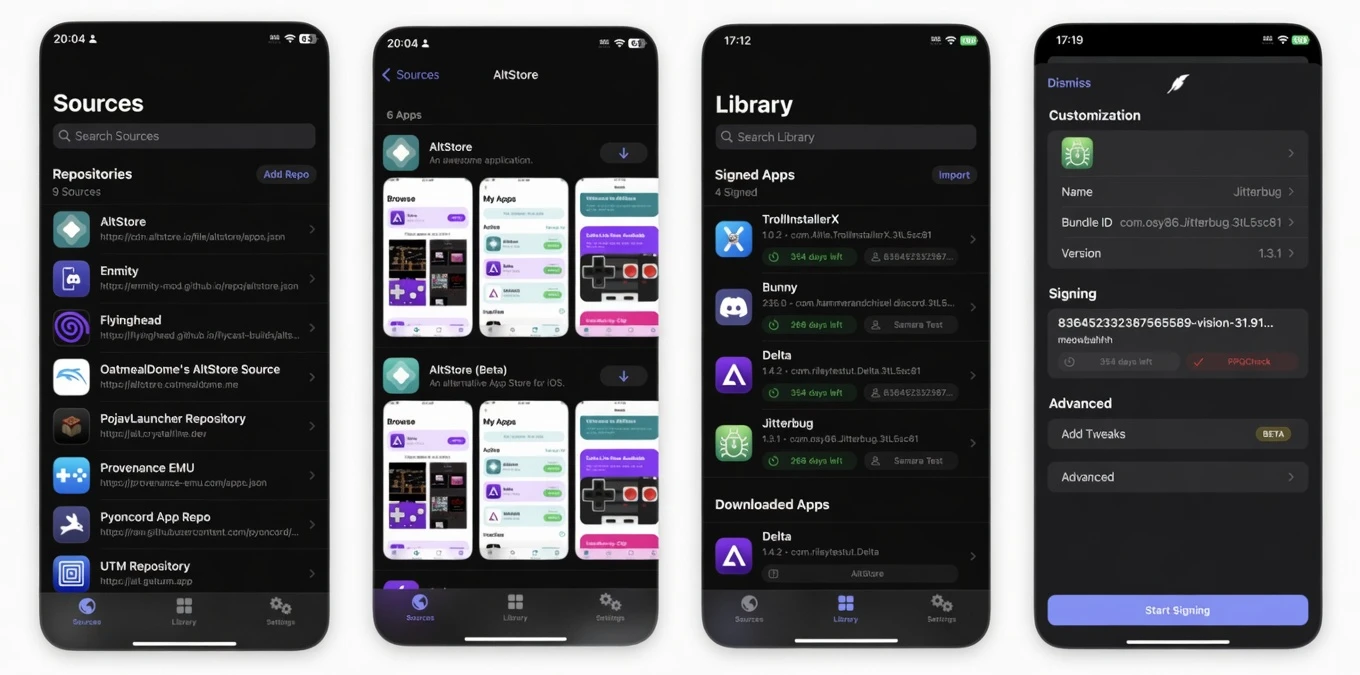
- Tweak Injection: Support for injecting .deb or .dylib files into your apps during the signing process.
- Repository Support: Easily add AltStore-style repos to browse and update apps.
- Certificate Management: Effortlessly manage your .p12 and .mobileprovision files in one place.
Latest Version: v2.0 (Stable)
How To Install Feather on iOS
Since Feather is a third-party utility not available on the official App Store, the installation process requires a few simple steps. Please follow this guide to get started:
Step 1: Open Safari on your iPhone or iPad.
Step 2: Tap the Download Feather IPA button above to get the latest version of the installer.
Step 3: To install Feather initially, you may need a computer-based tool like AltStore or Sideloadly (for the very first time), or use a direct install link if available.
Step 4: Once the Feather icon appears on your home screen, go to Settings > General > VPN & Device Management.
Step 5: Find the developer profile associated with Feather and tap “Trust”.
Step 6: Open Feather and import your signing certificate (.p12 and password).
Now you are ready! You can now download the Filza IPA from our website and use Feather to sign and install it permanently on your device.
Conclusion
In the past, iOS users were heavily dependent on jailbreaking or complex PC software to manage their devices. Today, Feather Android-like simplicity to the iPhone. It is not just an app installer; it is a gateway to a more open iOS experience. By combining the file-level access of Filza with the signing capabilities of Feather, you truly become the master of your hardware.
We believe this guide makes the Feather download process crystal clear. However, if you encounter any “Unable to Verify” errors or have questions about certificates, please leave a comment below. We are happy to help you stay connected and productive!